

SPECIFICATIONS
Brand Name: NONE
Capable of automatically controlling flash duration: No
Capable of camera mounting: No
Choice: yes
Electric: Yes
High-concerned chemical: None
Origin: Mainland China
Package: Yes
Photography Accessories Type: Phone Photography Accessories
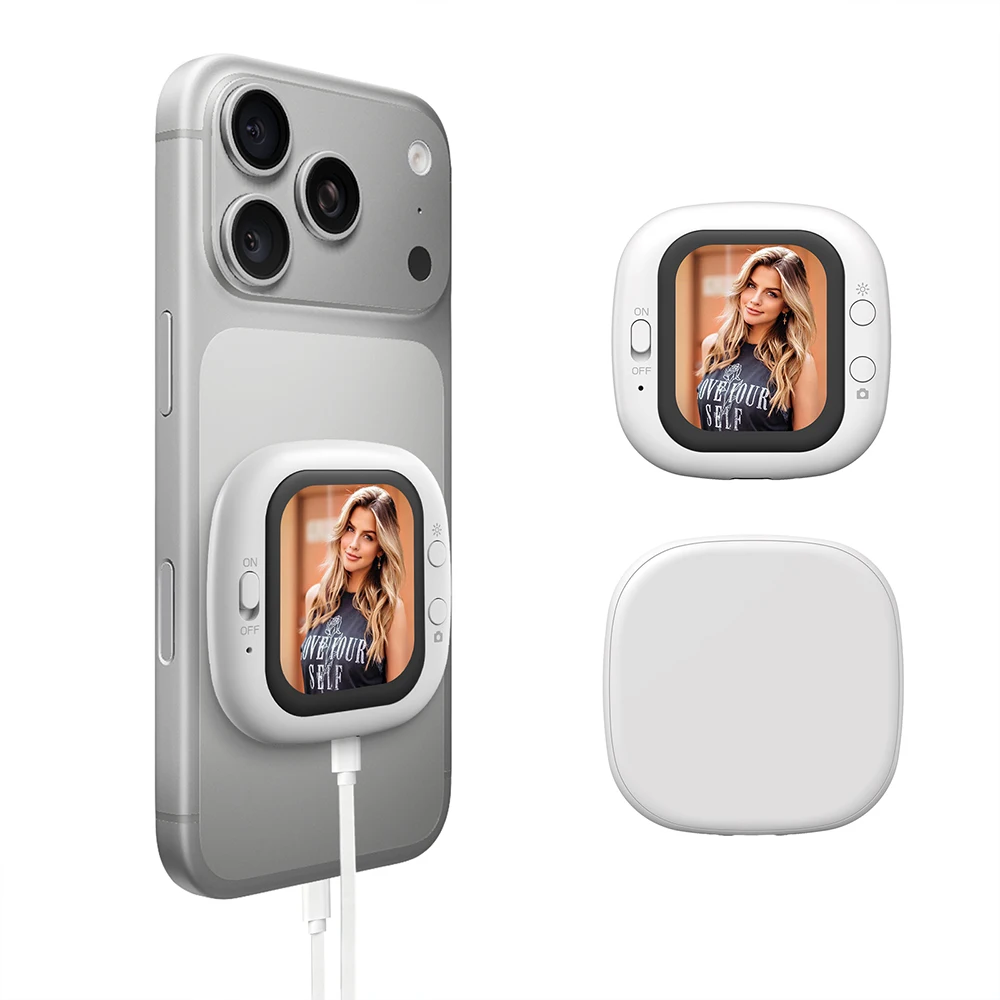
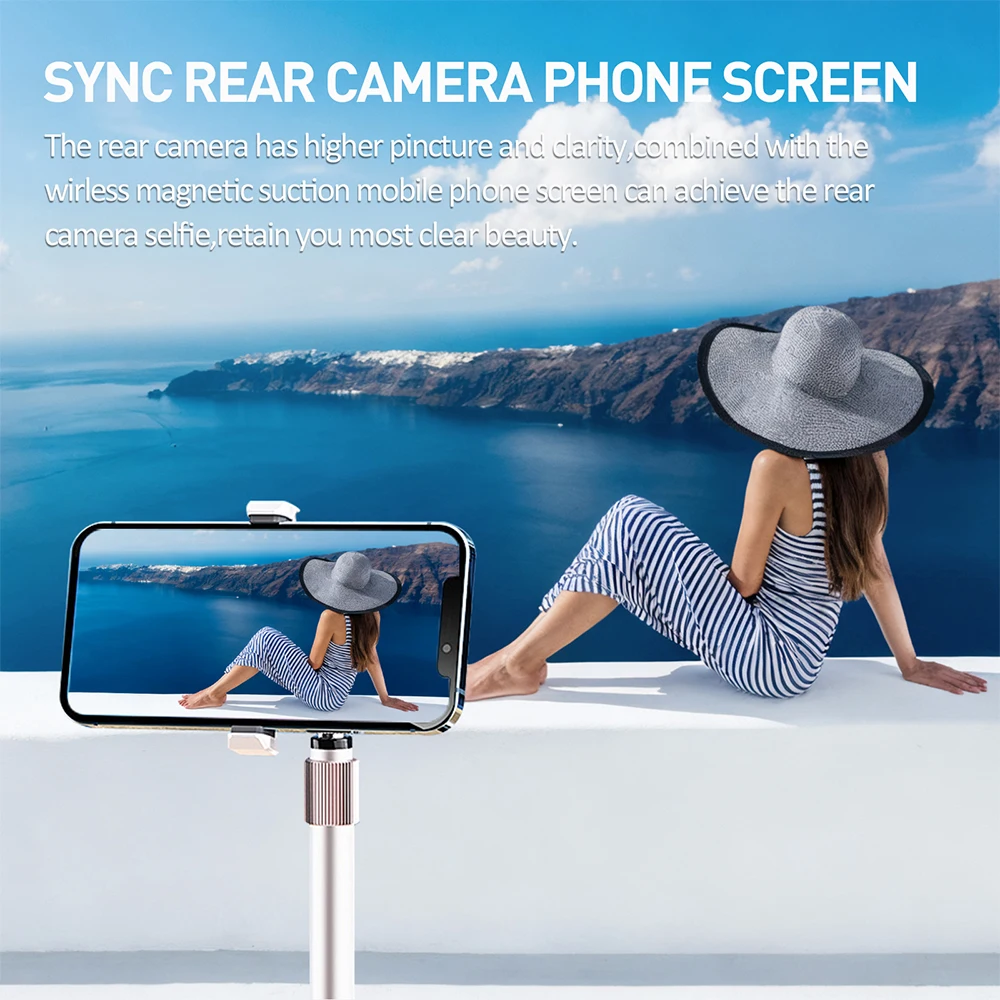
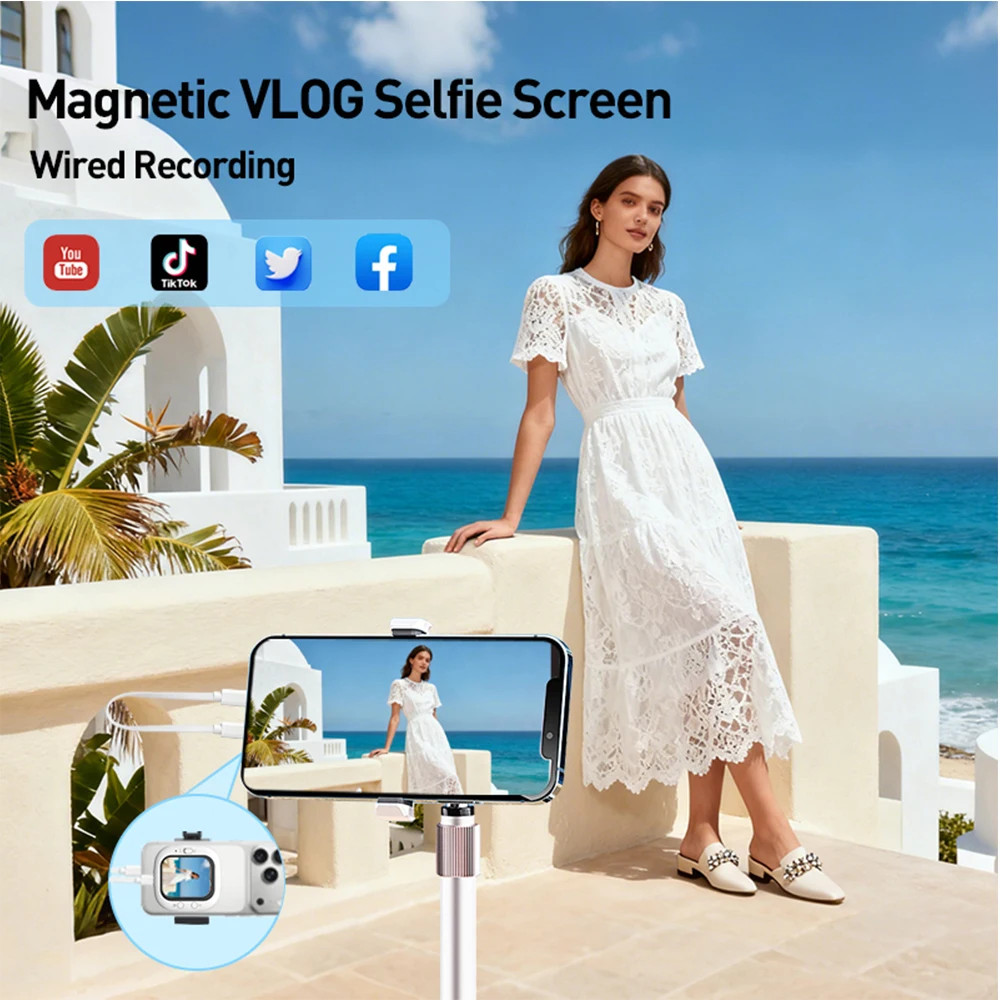
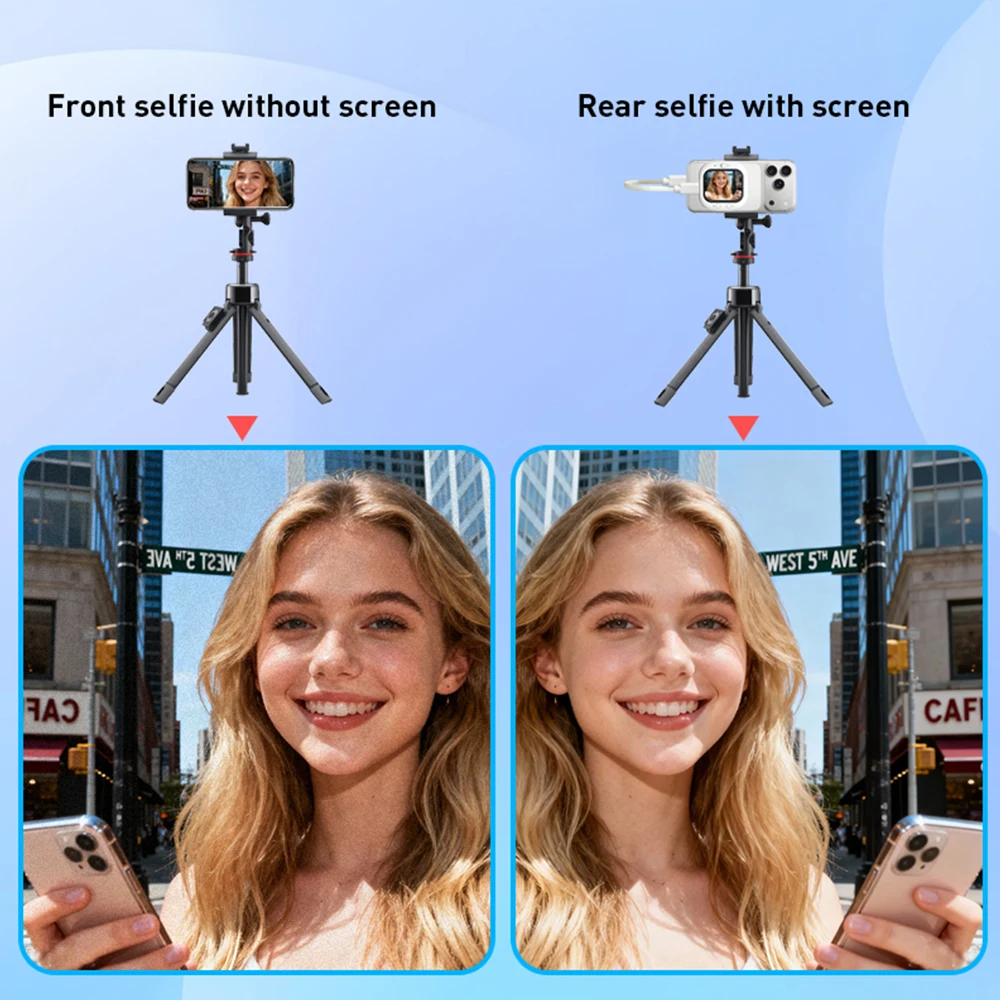
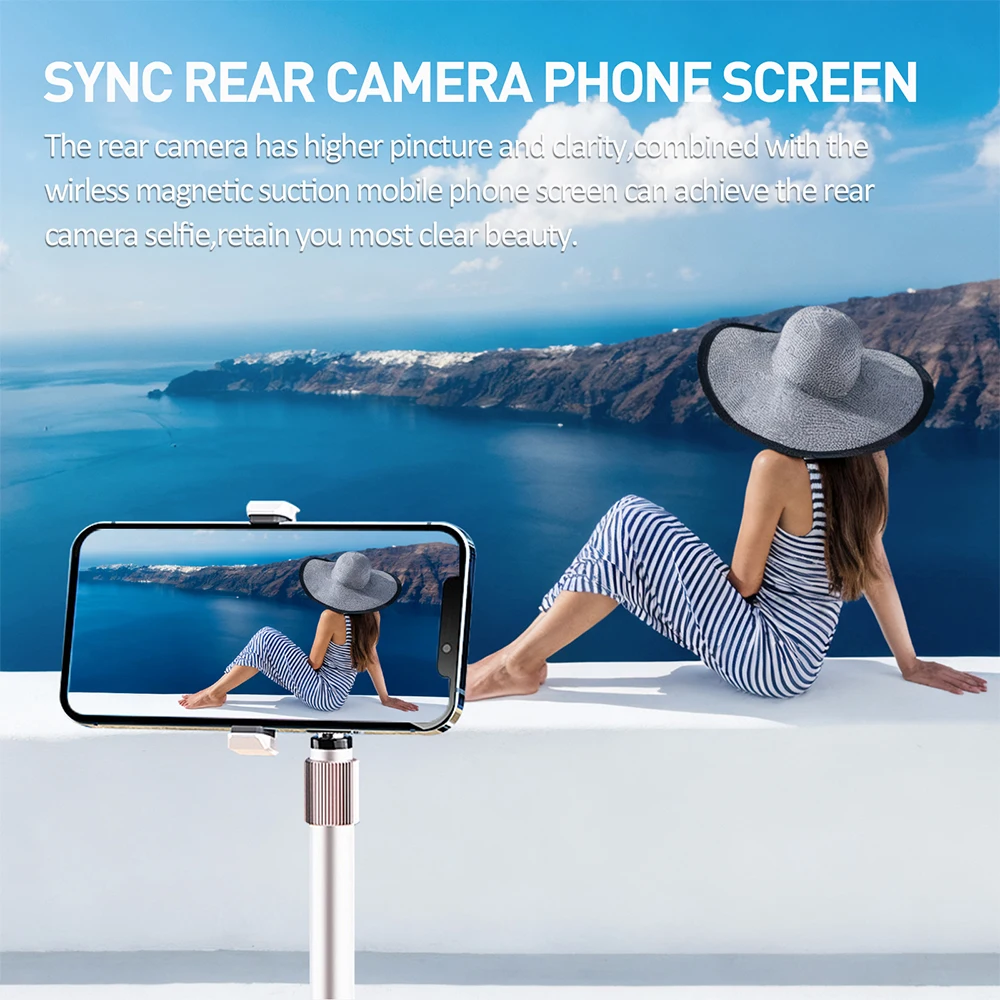
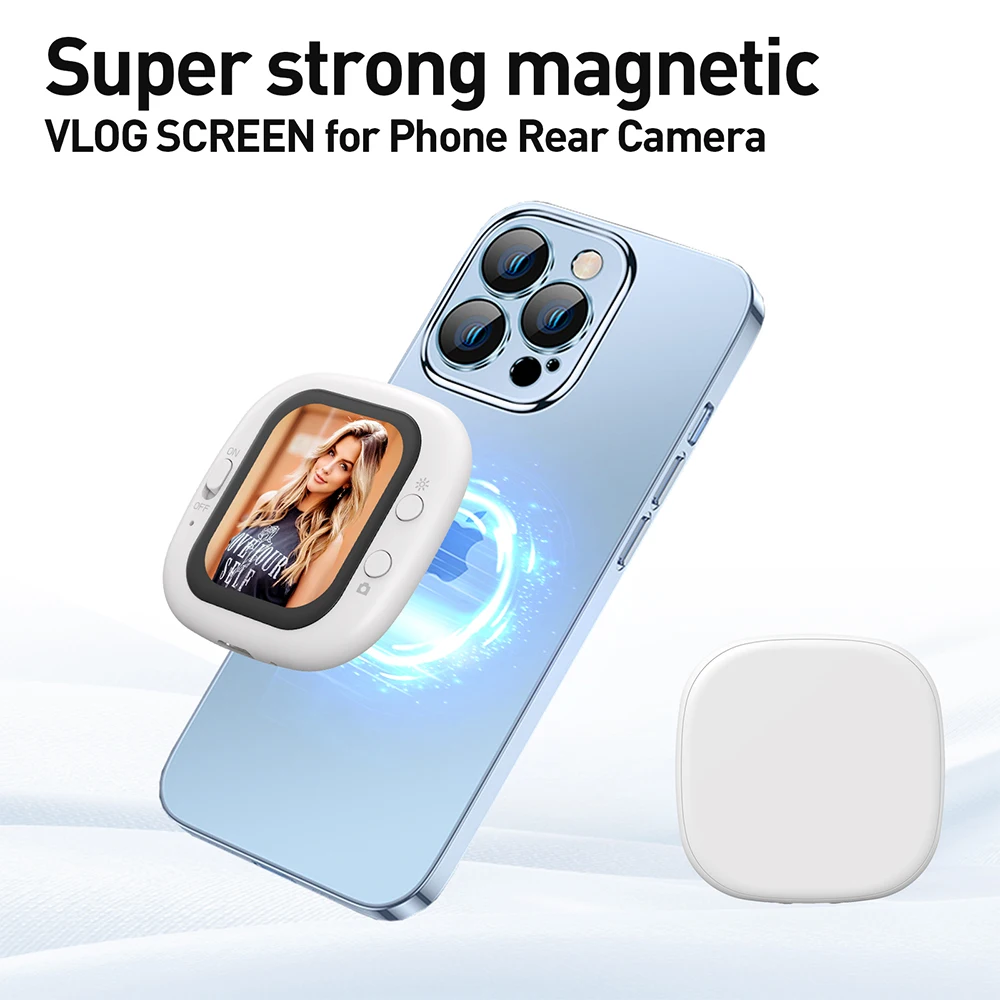
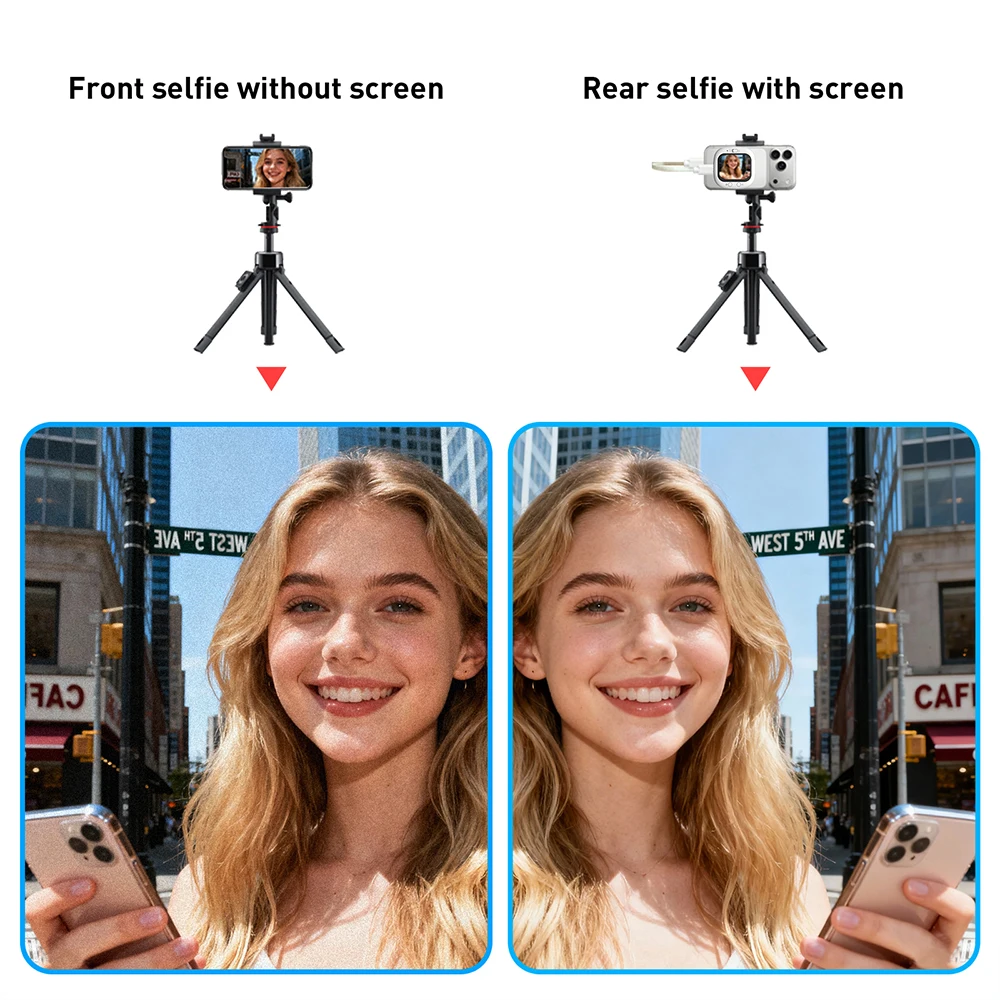
【Latest Design and Real Time Screen Sharing】 The phone selfie screen is the ultimate solution for selfie creation, which is the most advanced in the market! This screen can be easily connected to your phone for real-time preview of the for iPhone's rear camera image. Enjoy higher image quality while accurately controlling composition. With our product, you can use your phone's rear camera for perfect selfies, video blogging, and live streaming anytime, anywhere. Say goodbye to awkward angles and blurry shots, making filming easier. Mobile phones selfie screen easily capture high-definition photos.
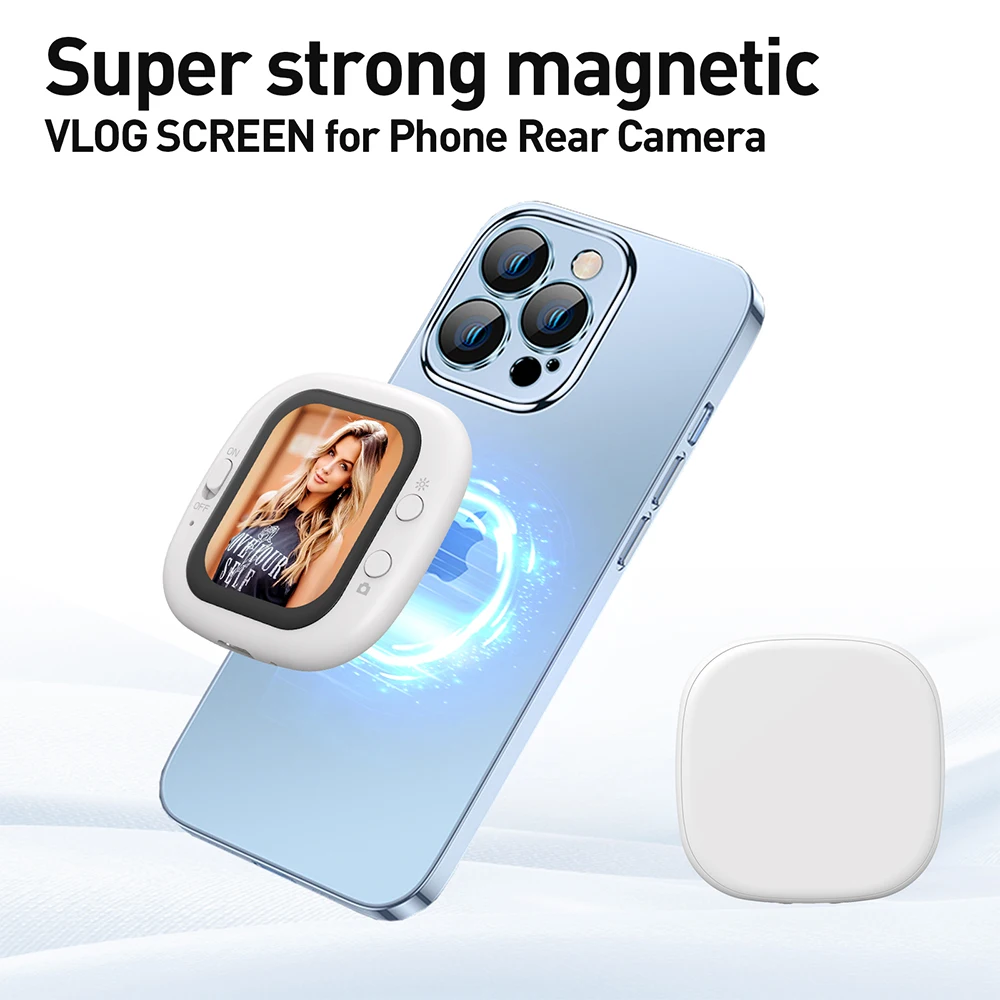
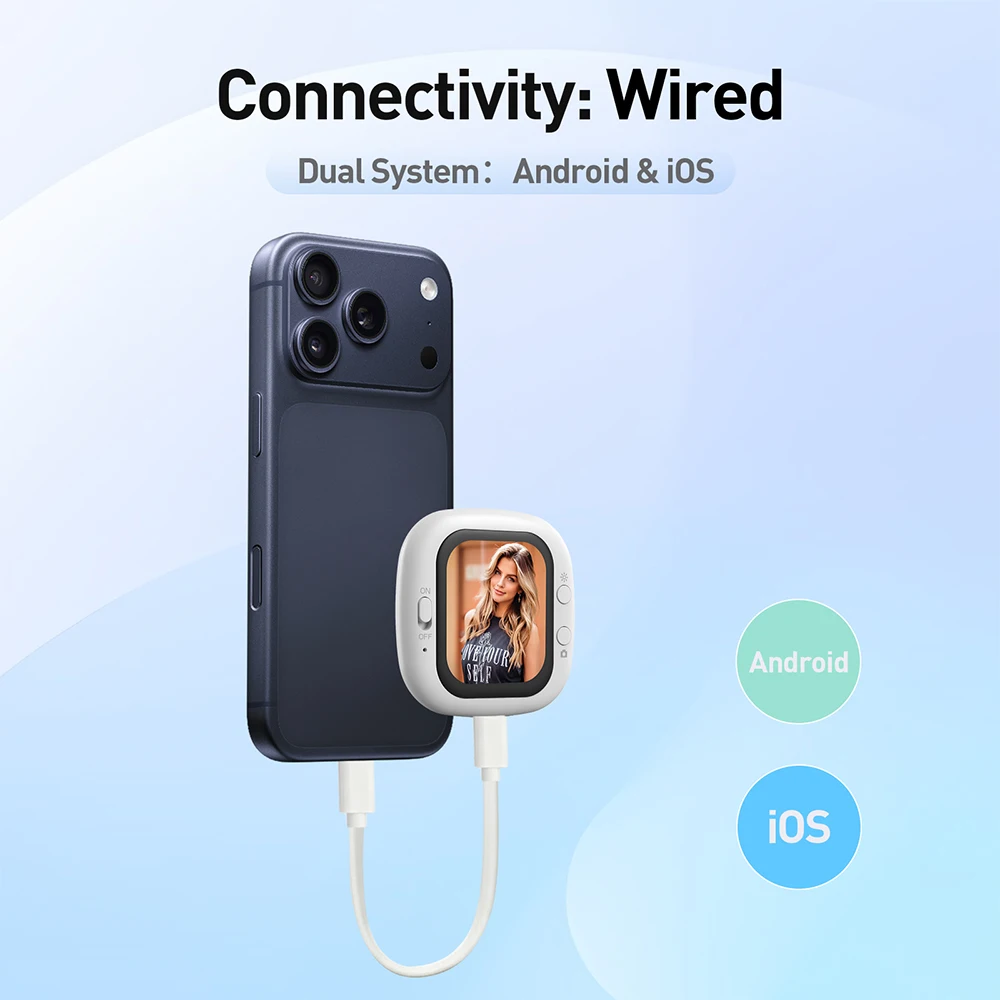
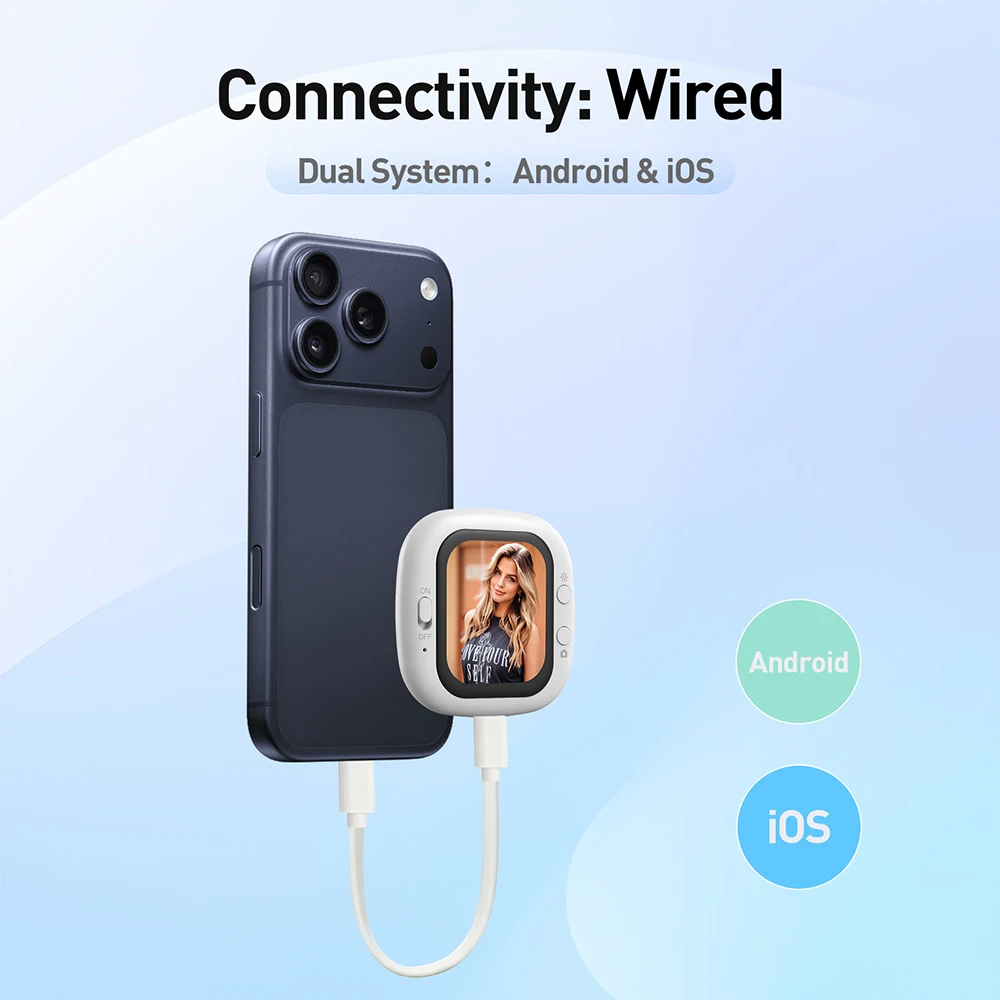
【Easy and Stable Operation】Vlog makes shooting easier than ever before, with just three steps of snap , cable insertion, and shooting to enter the state of creating vlogs. Plug and play, immediately open the rear camera preview after connection, eliminating complex settings. Adopting a high-speed wired connection mode, it provides more stable signal transmission than wireless WiFi links, ensuring smooth and uninterrupted live view images and avoiding the risk of disconnection.
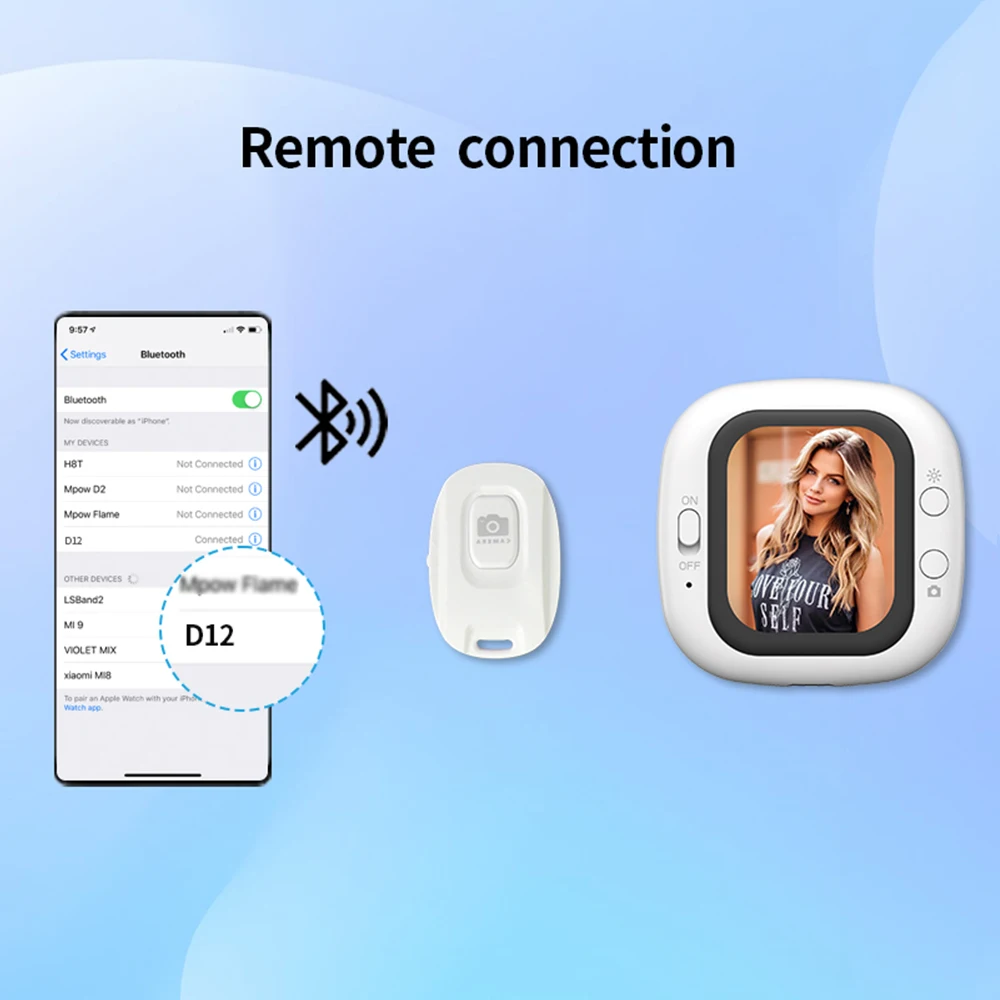
【Exclusive Ergonomic Design】bluetooth remote control adopts a precision calculated curved structure design, creating an excellent grip experience. Supports two modes of snap and remote control: the powerful design can be attached to the back of the phone as a physical shutter key, and in the separated state, it can be remotely and accurately controlled through low latency bluetooth technology. Allowing you to easily handle various shooting scenes from daily casual shooting to professional creation.
【Bright and Clearly Visible】The selfie monitor screen is equipped with a high brightness AMOLED screen, ensuring a brightness of up to 700 nits (twice as high as similar products on the market) while maintaining 320PPI, ensuring clear display of framing content in various environments. Whether used indoors or outdoors under sunlight, it can ensure bright and clear images, avoiding issues that affect the shooting effect. The selfie screen adopts high-speed wired connection and ultra-low latency to ensure real-time synchronized framing, allowing users to react quickly and not miss any exciting moments.
【Compatible devices】Our product is compatible with for iOS 11 and above systems, including for iPhone 5-iPhone17 and others (please confirm phone model before purchasing). The Founist phone selfie screen is lightweight and portable, allowing for effortless shooting anytime, anywhere. Official gift storage bag, suitable for travel photography and other scenes, allowing for more creative freedom.
To ensure optimal use of the device, please read the user manual carefully.
CDo not expose this product to direct sunlight, high temperatures, or humid environments.
When using this product, keep it away from strong light to obtain the clearest and most colorful images. Please use a sunshade when outdoors.
Avoid violent impacts or drops.
Do not use chemical solutions to clean this device. Wipe with a clean, soft cloth to maintain surface shine.
If the device does not have adjustable components, do not disassemble or repair it yourself to avoid damaging the product.
Product Specifications:
Screen Size: 201 inch
Screen Resolution: 240*308 pixels
Screen Viewing Angle: Full-angle
Supported Systems: Android and iOS
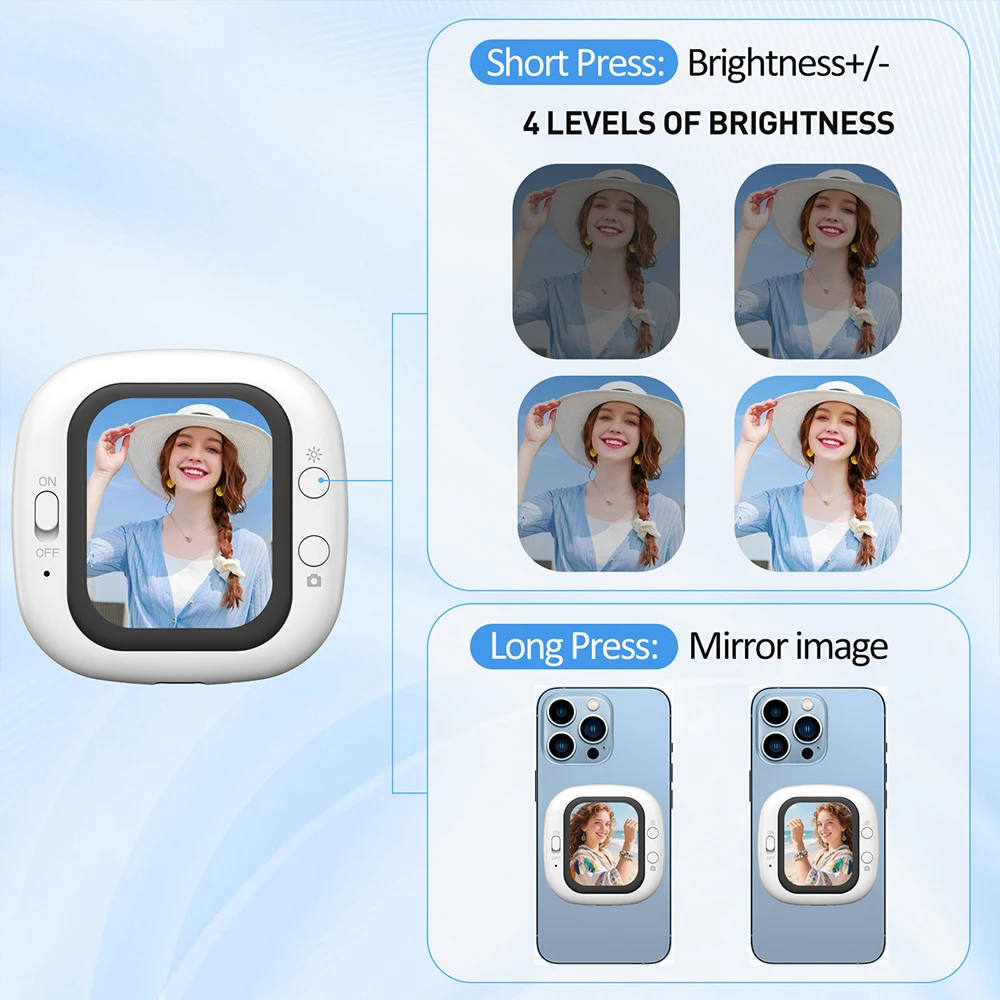
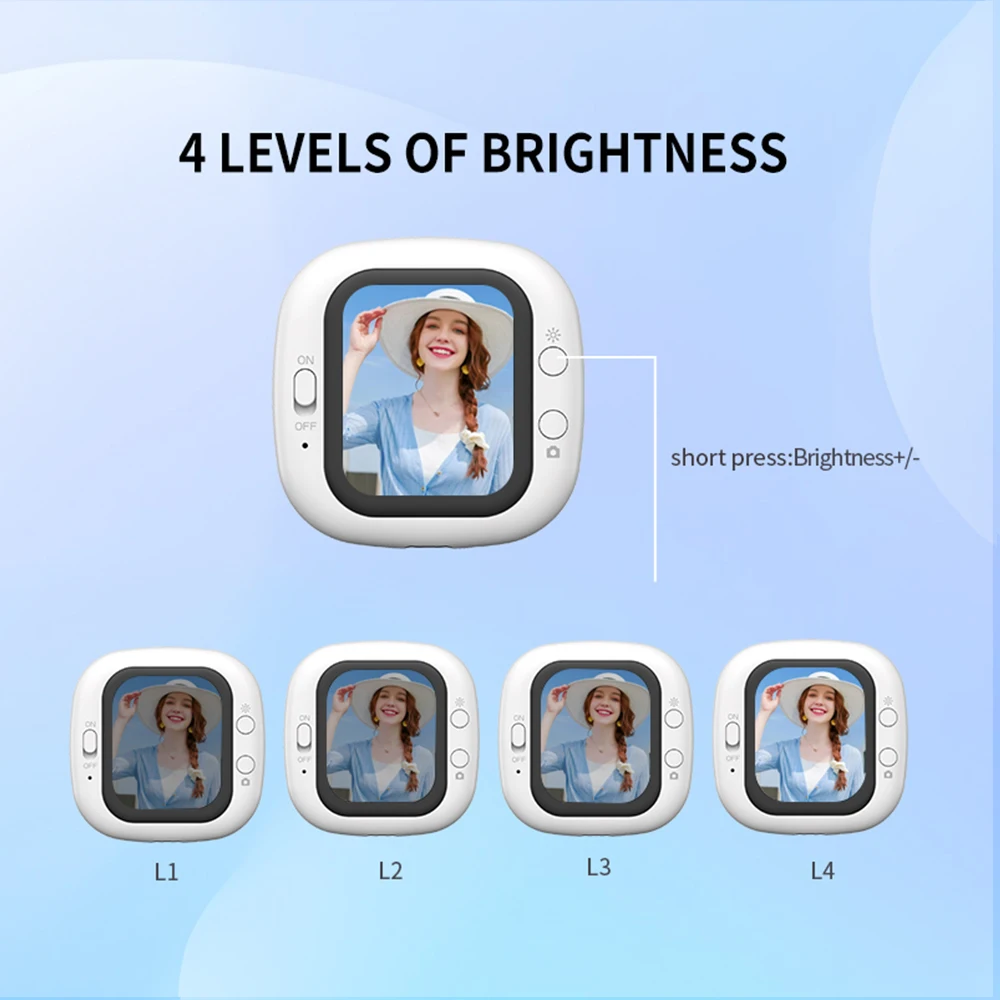
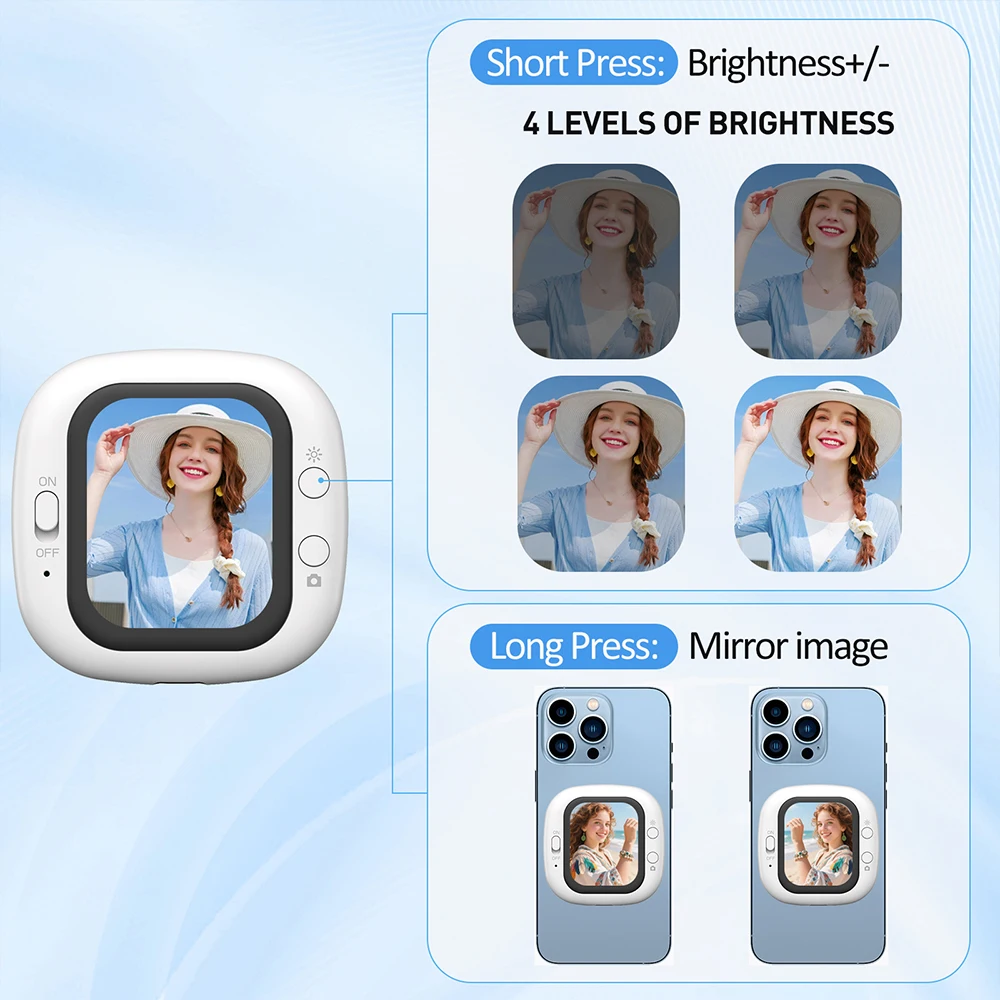
Screen Brightness: 4-level adjustable / 500cd/㎡ (maximum)
Input Power: Type-C 5V 1A
Power Consumption: 0.8W
Connectivity: Wired connection + Bluetooth
Operating Temperature Range: -10~+40℃
Storage Temperature Range: -30~+40℃
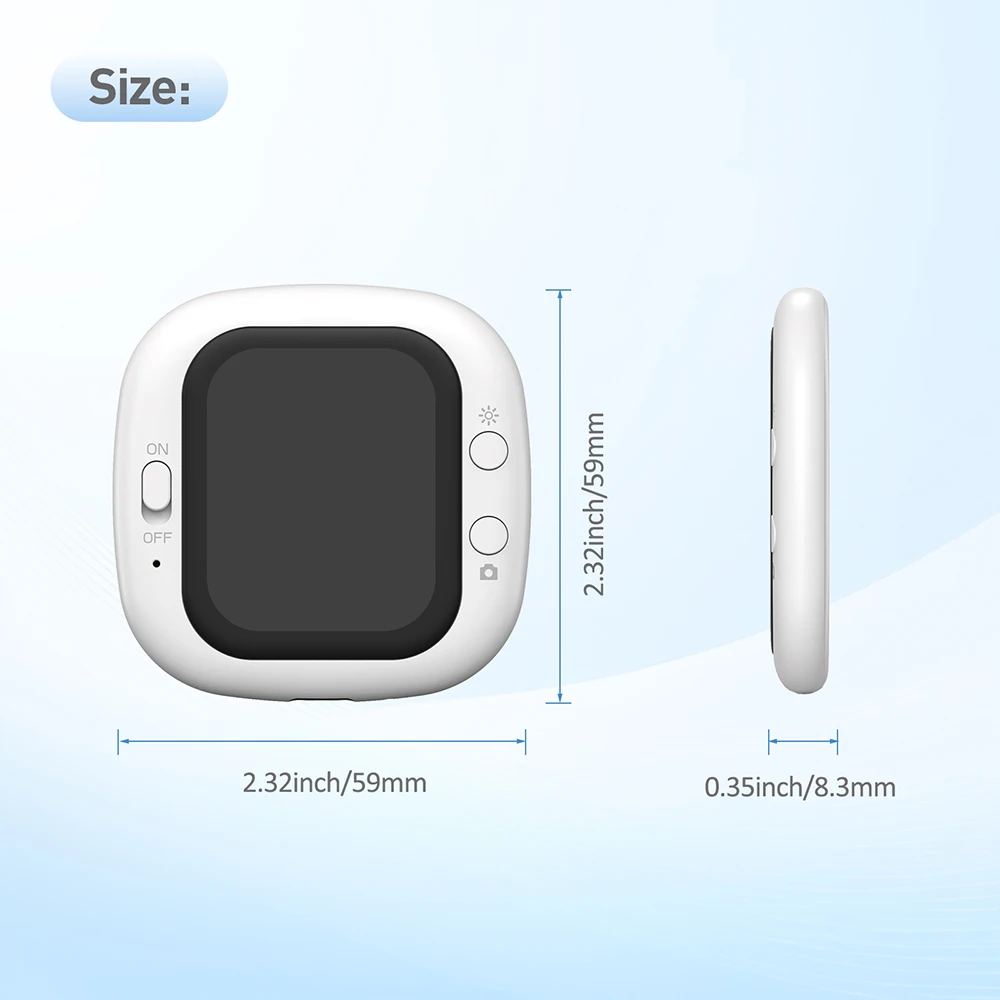
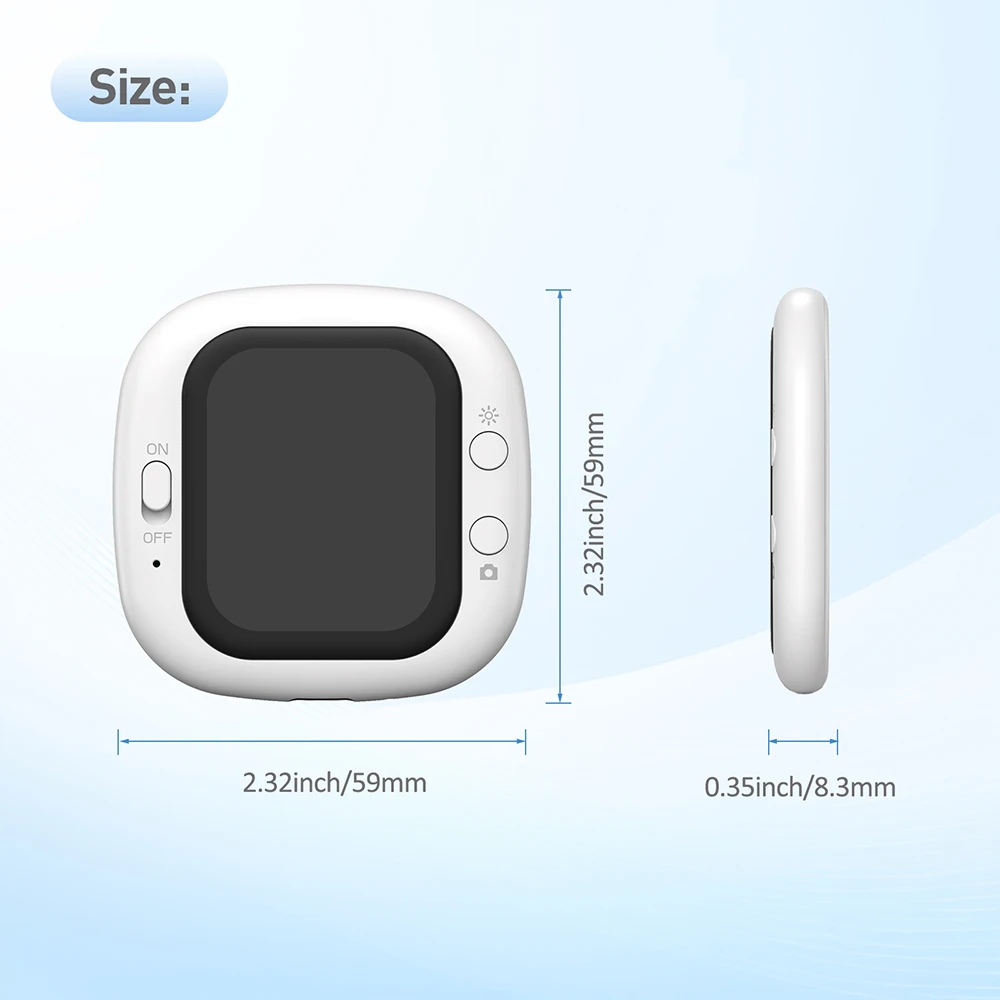
Product Dimensions: 58*58*8mm
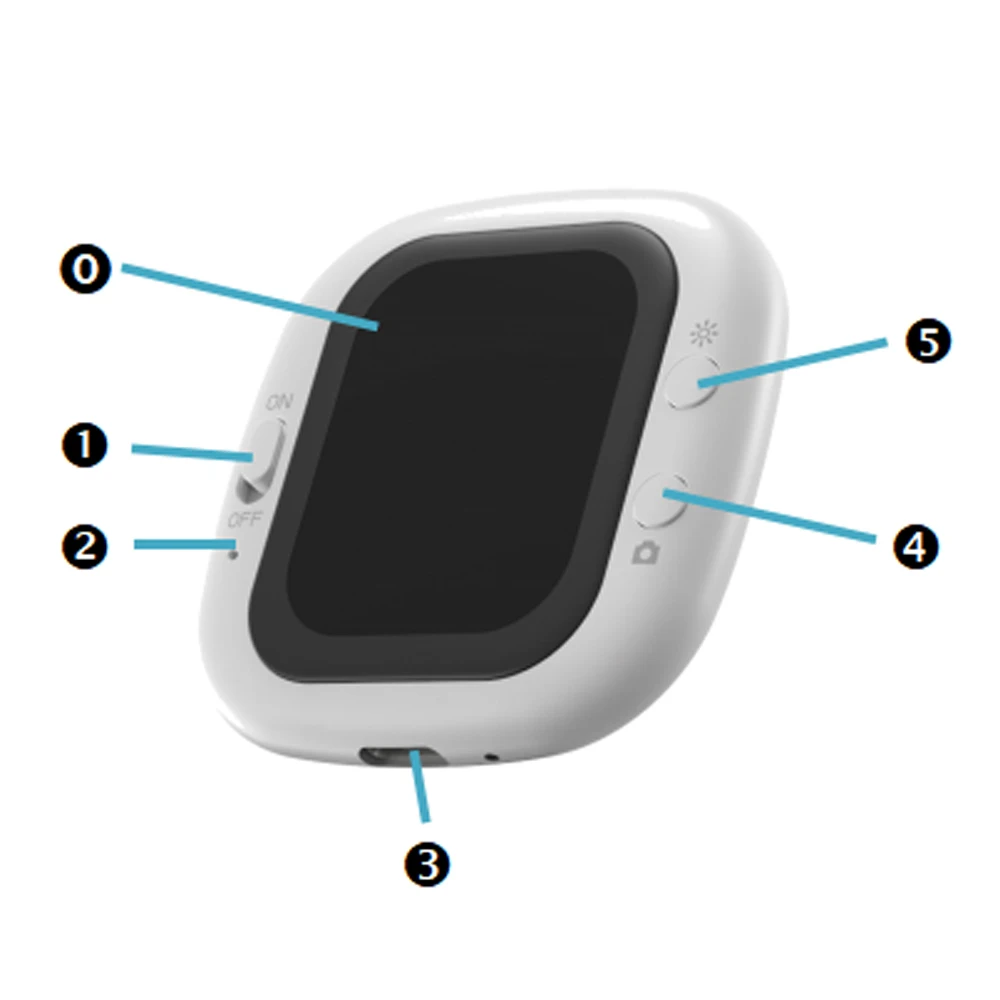
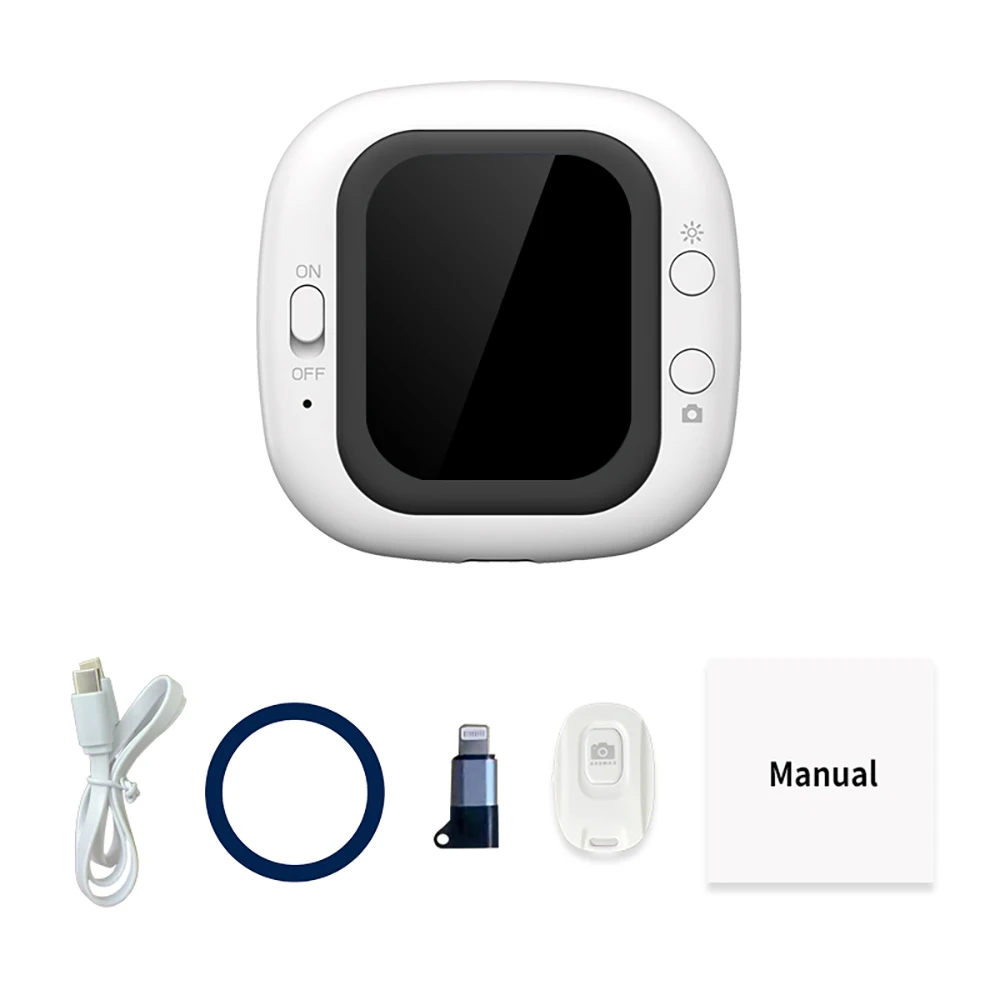
0——201” LCD Display
1——Power Switch
2——Power Indicator (Red)
3——Type-C Port
4——Camera Button
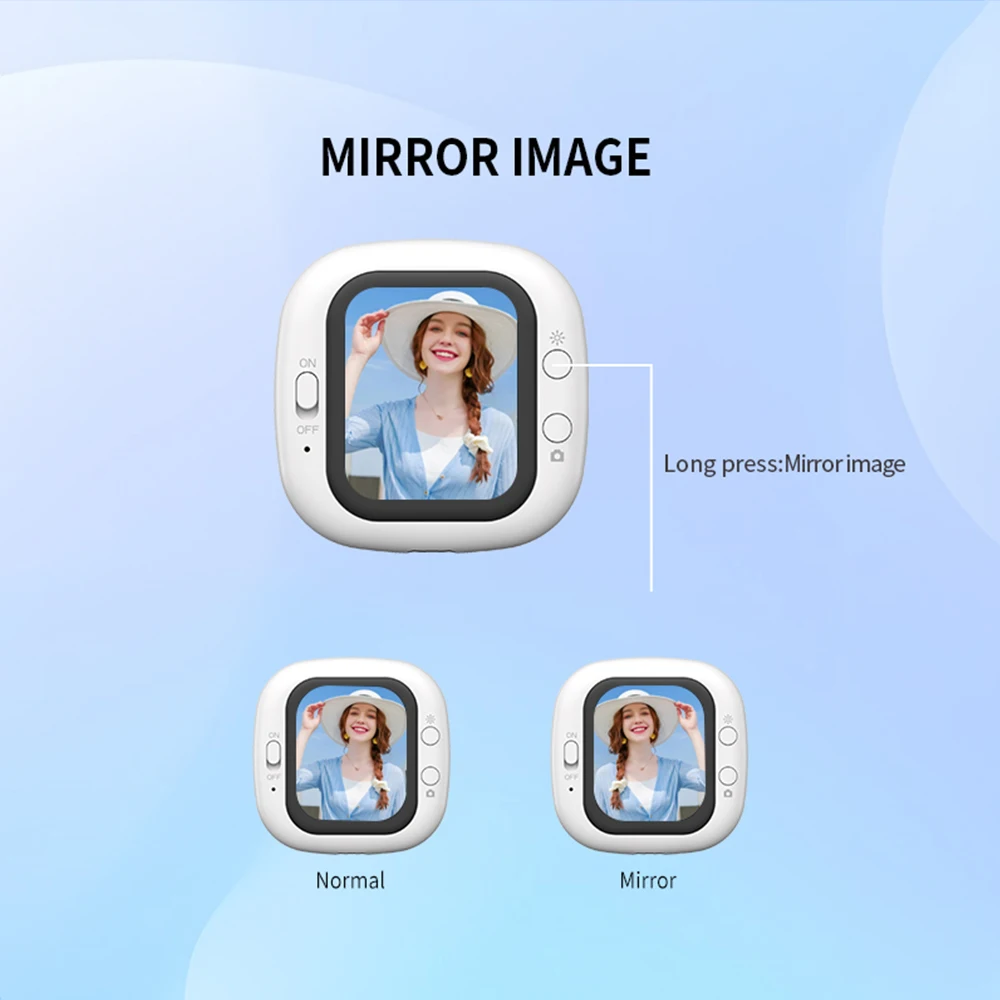
5——Backlight Brightness/Screen Mirroring Button
Button Function Description:
Backlight Brightness: Short press this button to adjust brightness from level 1 to 4; long press to mirror the image.
Power Switch: Turn the switch to the ON position to turn on the power.
Power Indicator: Indicates red when the power is on.
Type-C Interface: Powered by the phone and communicates with it.
Camera Button: Press this button to take a photo (requires Bluetooth connection to the phone).
Wired connection between phone and display:
1. Connect the Type-C cable to the selfie display and your phone.
2. Turn on the display.
3. Your iPhone will automatically connect and project its information onto the display. (For first-time connection, the password is 1234)
4. Android phones require the HCCast software. Search for HCCast in the Google Play Store to download the software or scan the QR code to install HCCast. Allow screen mirroring each time you connect.
5. Open Bluetooth settings, search for the "D12" Bluetooth device, and pair and connect.
6. Open the camera app and press the "Shoot" button to take a photo with the rear camera.
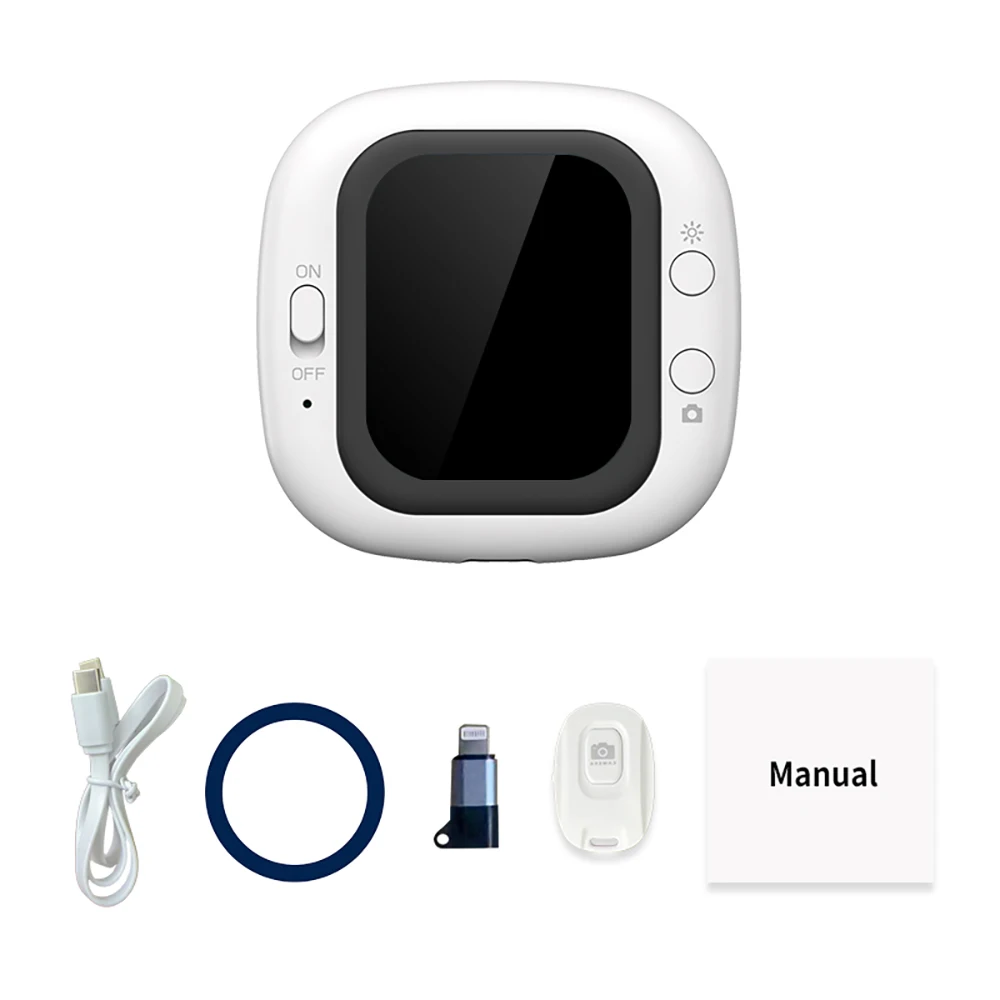
Accessories:
1* Selfie Display Screen
1* Type-C Cable
1* Instruction Manual
 No products in the cart.