
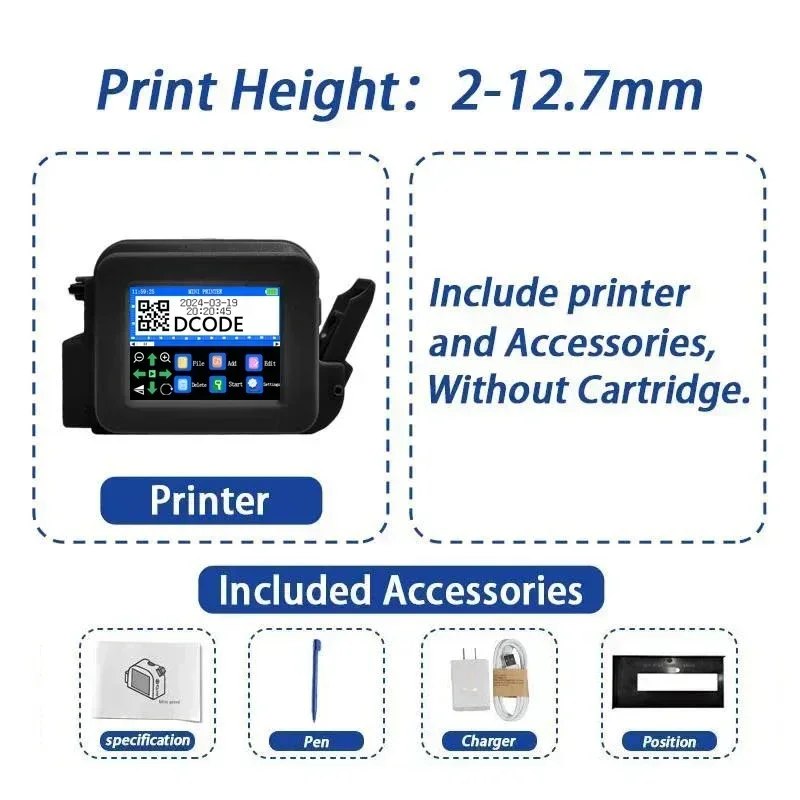

SPECIFICATIONS
Battery Included: Yes
Brand Name: DCODE
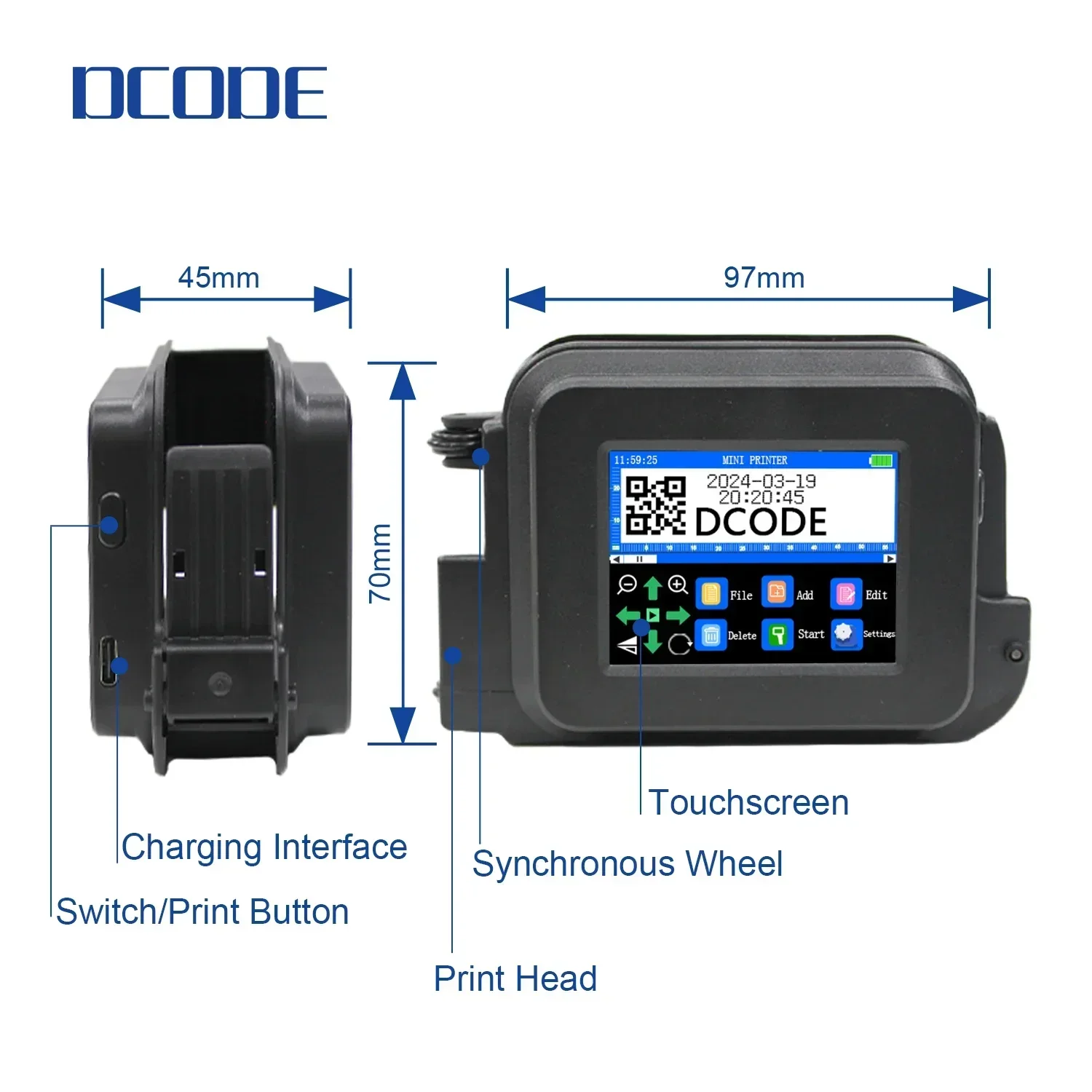
Charging interface: Type-C
Choice: yes
Double-sided Printing: No
High-concerned chemical: None
Interface Type: USB
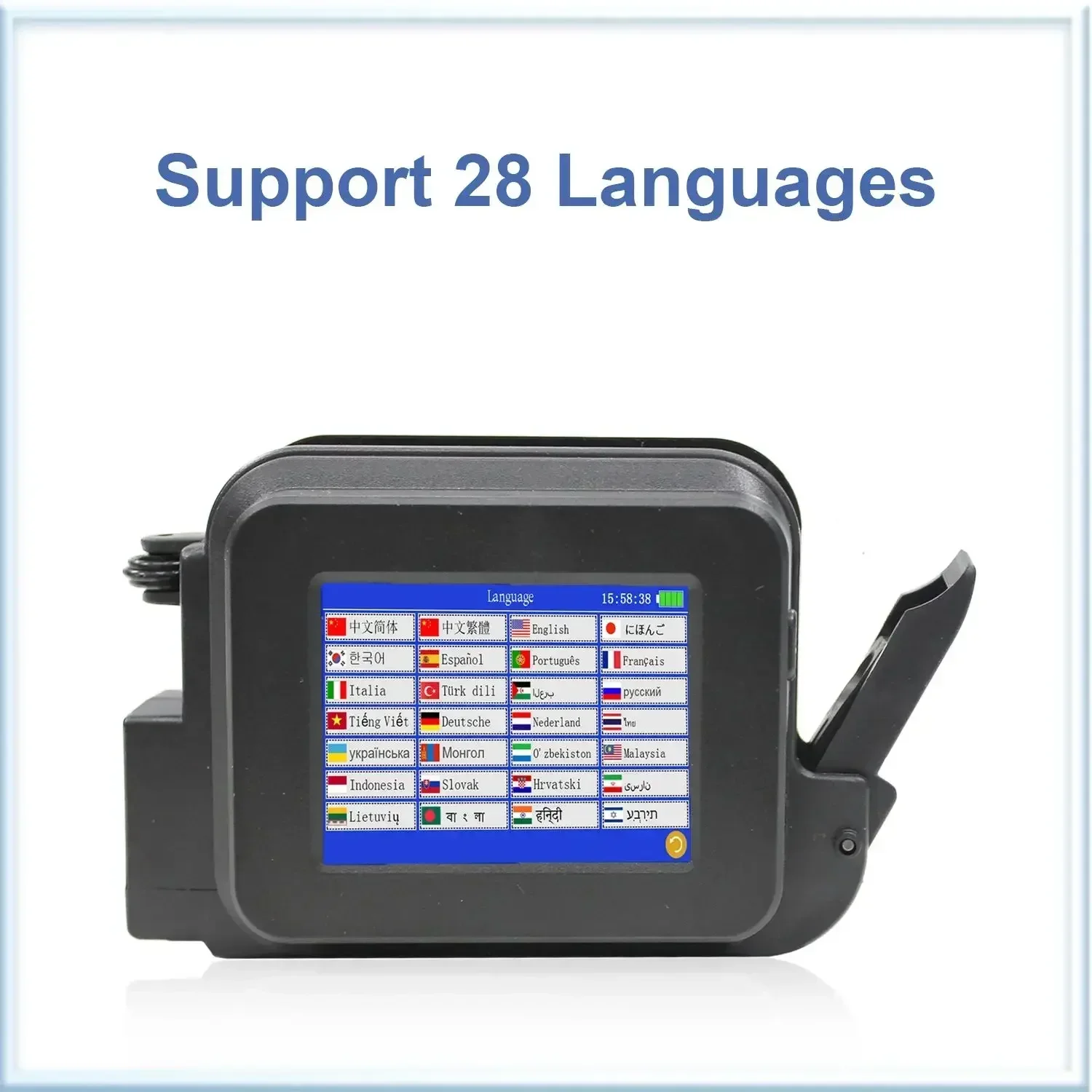
Language: Chinese, English,Japanese, Turkish, Arabic,ltalian and so on
Max Paper Size: A4
Max. Resolution: 600dpi
Origin: Mainland China
Paper Feed Mode: Auto
Power Supply Mode: Fast Charge 3.0 Adapter
Print Resolution: 600dpi Maximum
Print Speed: 40ppm
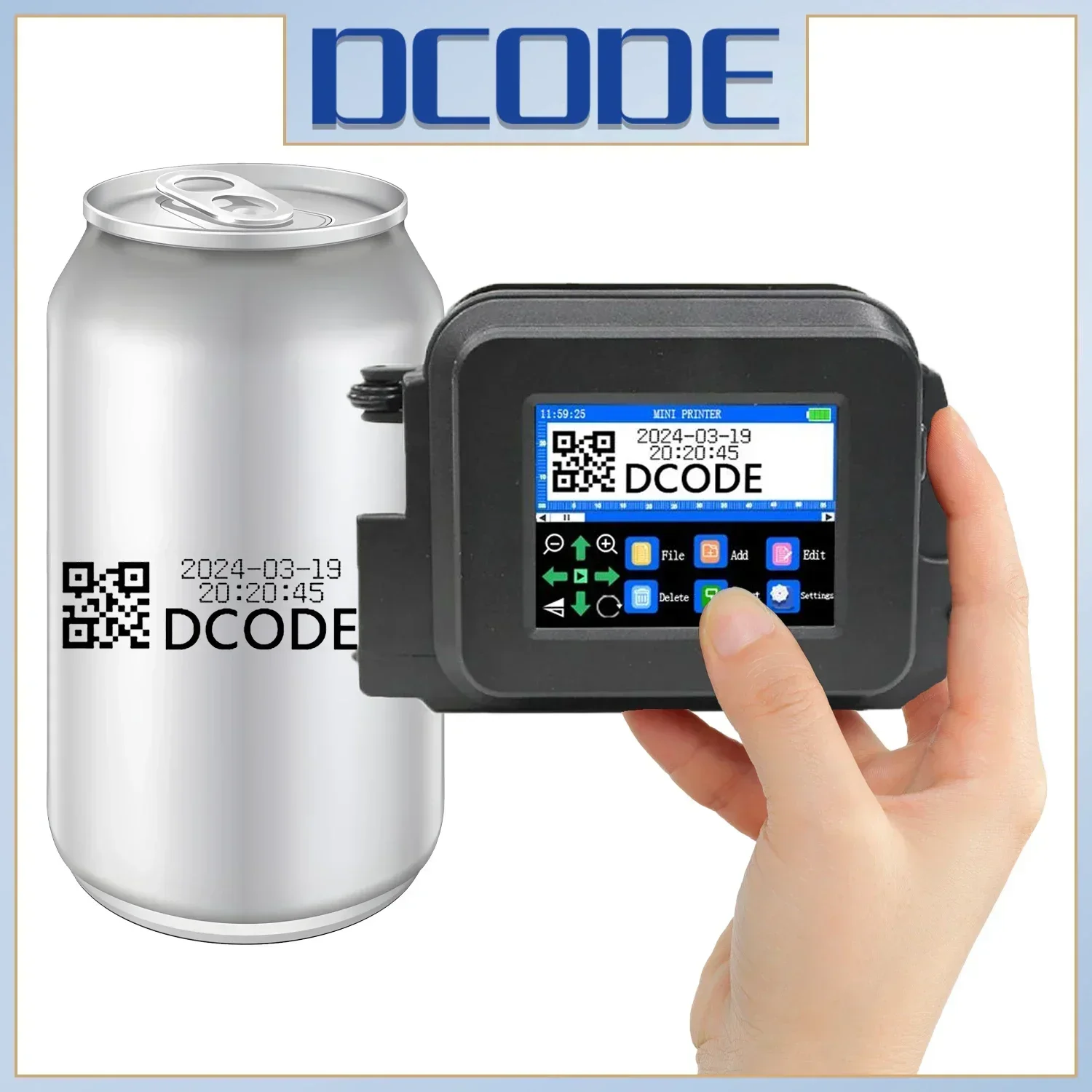
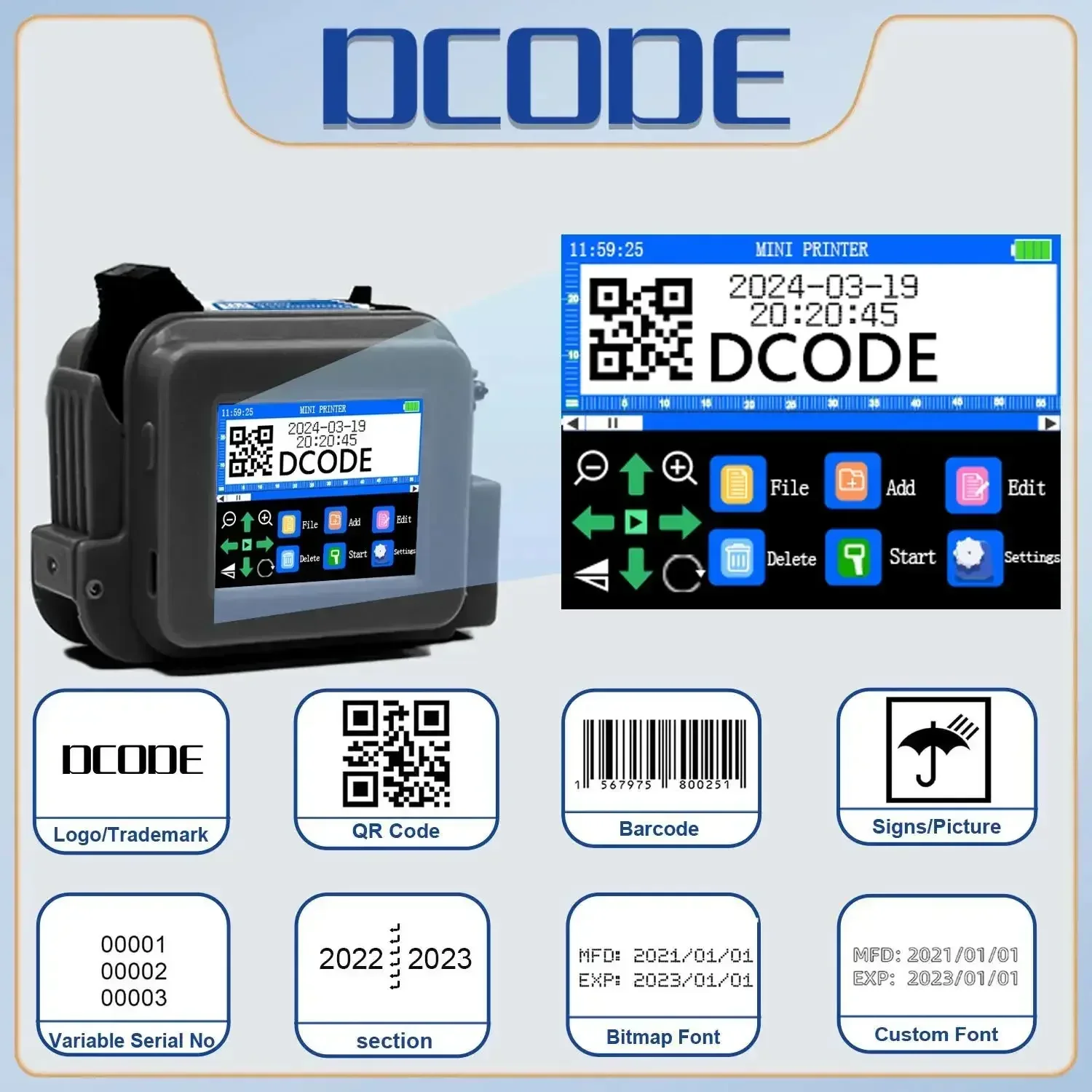
Print content: Time, Date, Counter, QR code, Bar code, LOGO
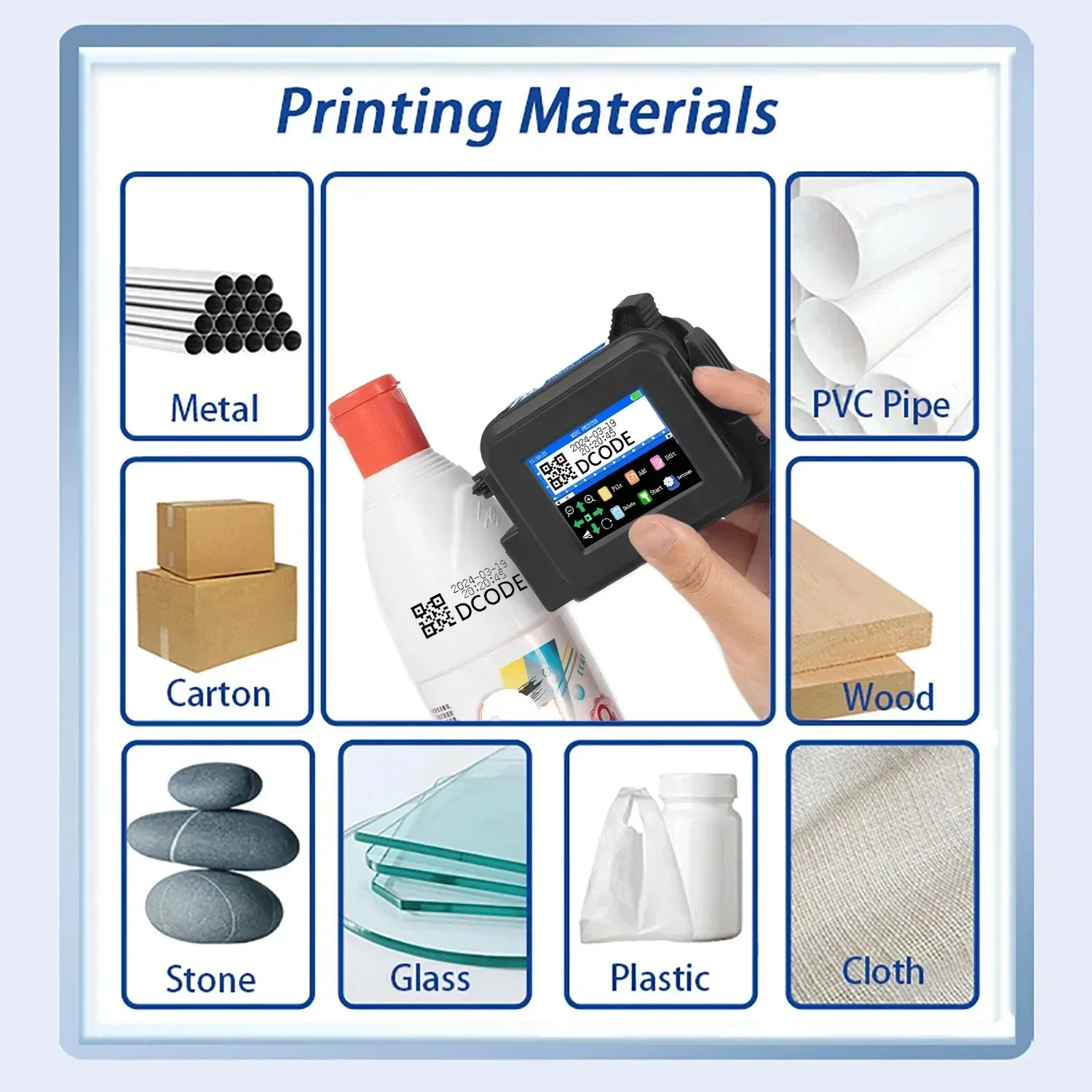
Print material: Boards, Carton, Pipe, Cable, Metal, Plastic, Concave convex surface
Printing distance: 2-5mm
Signal Connection Type: None
Size: 97* 70*45mm
Supports Network Printing: No
Type: Inkjet Printer
Use: Inkjet Printer
Voltage: 100-240V
Weight: GW 245g
semi_Choice: yes
Product Description:
Product Name: Mini Inkjet printer
Rated Rating: 25w
Cartridge Type: 12.7mm
Power Supply Mode: Fast Charge 3.0 Adapter
Print Resolution: 600dpi Maximum
Printing Distance: 2-5mm
Power Input: DC-9V/2A
Charging Interface: Type-C
Product Weight: 245g
Product Size: 97*70*45mm
System Language: 28 Languages
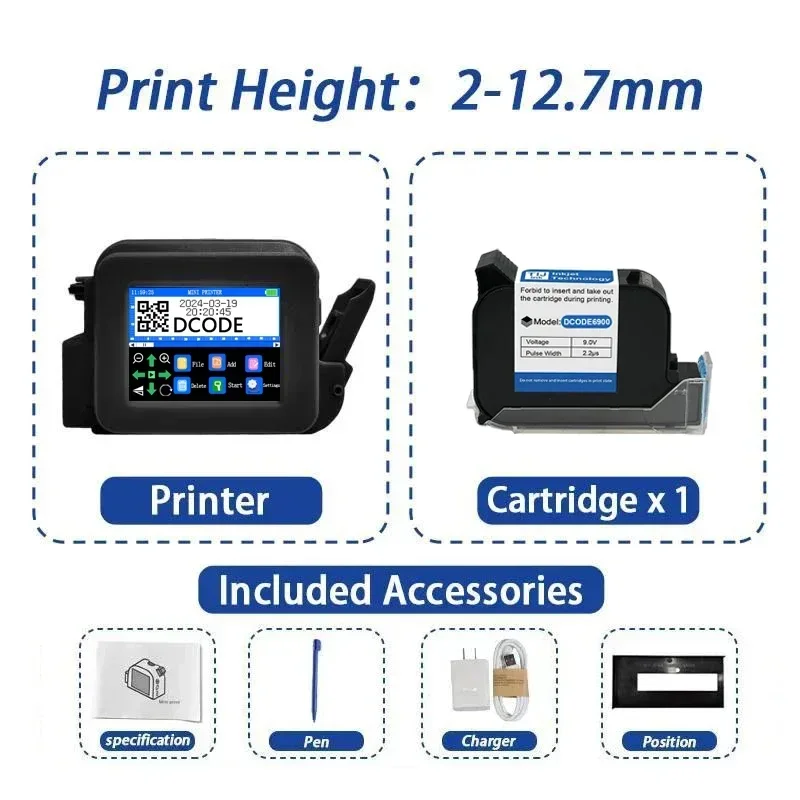
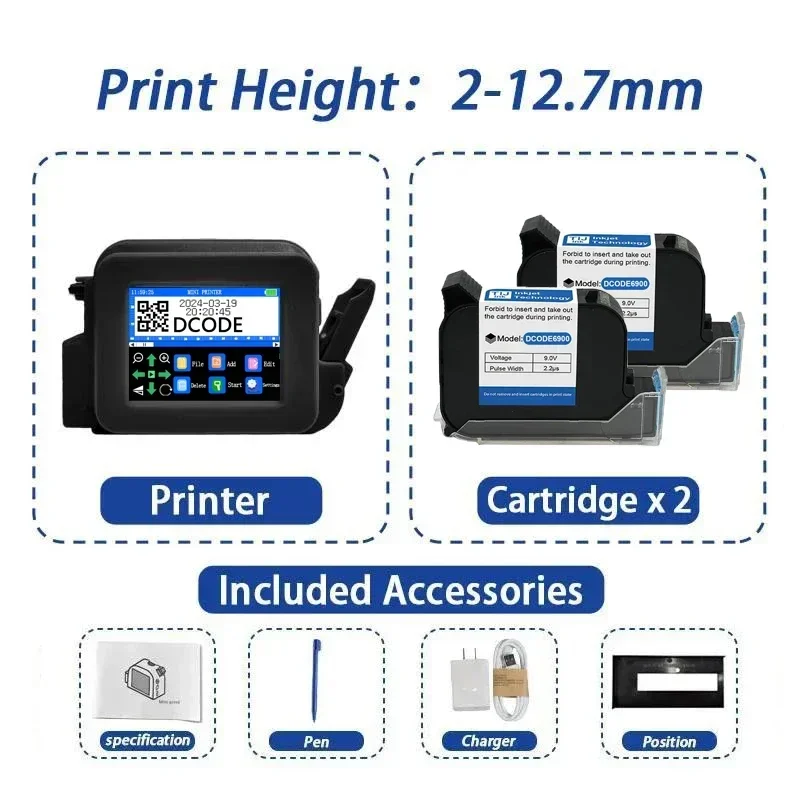
Printing Height: 2-12.7mm
Print Content: Time, Date, Counter, QR code, Barcode, Logo, etc.
Printing Material: Wood, Carton, Pipe, Cable, Metal, Plastic, Uneven surface, etc.
Product Advantage:
– Compact Body: Lightweight design, only 245g, no burden to hold and easy to carry.
– Industrial appearance design: Beautiful and tidy, adhering to ergonomic principles.
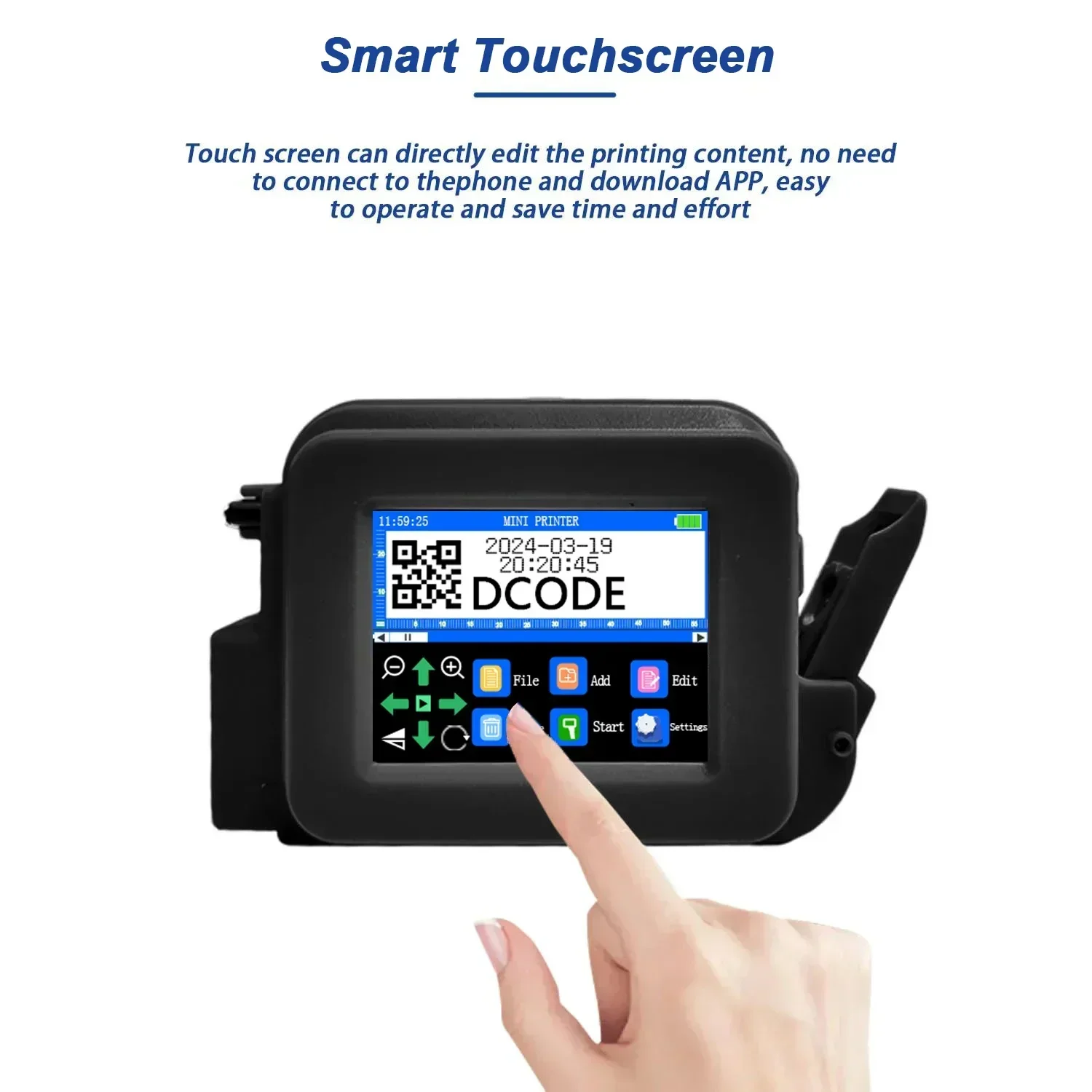
– Sensitive Touchscreen: Vivid color display for clear visuals and responsive interactions.
– Intelligent Operating System: Easy to operate, no need to download APP to connect to mobile phone.
– Support 28 Languages: Multiple fonts and input methods, cater to a diverse global customer base.
– Diverse Print Content: Time, Date, Counter, QR code, Barcode, Logo, Number, Symbol, Picture, etc.
– Various Application Industries: Can print curved and concave-convex surfaces, suitable for many materials.
– Adjustable Print Height: 2-12.7mm, suitable for different scenarios.
– Quick-drying Ink Cartridge: Solvent-based ink, waterproof and non-fading, multiple ink colors available.
– Large Capacity Battery: Fast charge 3.0 adaptor, type-c charging interface, can work continuously for more than 5 hours after fully charged.
– Upgraded Chip: 4-core CPU, more intelligent and fast-response, built-in storage, no USB flash drive required, can be directly connected to the computer.
– One-click Printing: 600dpi maximum print resolution, 360° all-round printing.
– Non-encrypted System: Easy to purchase ink cartridge locally.
– Factory Direct Sales: flexible customization including OEM services and personalized encryption solutions, product quality assurance and first-class after-sales service.
NOTE:
The price of orders shipped from China does not include import taxes. DDU!!!
HS CODE 8443321300 to check duty.
We only charge product price and freight cost, so you need pay import taxes to custom when your parcel arrives.


Q&A(Questions You Concern Most)
1.How to better extend the life of the printer?
A:Before installing and removing ink cartridges, be sure to turn off the printer.
2.How to better protect the ink cartridge nozzle?
A:
①When not using ink cartridges, please close the protective cover in time.
②Dip a soft paper towel with a small amount of alcohol before using, and then gently wipe the nozzle in one direction.
3.Why does the printer screen not work?
A: When you find that the screen of the printer is not working, please calibrate the screen of the printer.
4.Can the printer print on the bottle?
A: Yes, we will provide you with a positioning plate for free. Please consult customer service for specific steps.
5.What should I do if the printer cannot print?
A:
①Check whether the rubber ring on the left side of the printer is off (not in the groove).
②Check if there the ink cartridge is installed properly.
③Switch the nozzle of the printer in the settings.
④After turning off the printer, reinstall the ink cartridge.
⑤If you have completed all the above operations and the machine still cannot operate normally, please contact customer service in time.
6.The printer can work, but the printing effect is not clear, what should I do?
A:
①Check whether the ink cartridge nozzle is clean and dry, and wipe the nozzle carefully with a clean soft tissue.
②Take out the ink cartridge when the printer is off, shake the cartridge several times, and stick a clean tissue on the
surface of the nozzle to divert the ink.(Ask customer service for operation videos)
③Switch the nozzle of the printer in the settings.
④If you have completed all the above operations and the machine still cannot operate normally, please contact customer service in time.
7.What should I do when there is a printer phenomenon of wire drawing?
A:
①The ink cartridge is quick-drying. When there is a phenomenon of wire drawing, please wipe the nozzle carefully with a clean soft tissue and switch the nozzle of the printer.
②When not using the ink cartridge, please install the cover in time
8.Can the printer be charged?
A: Yes.
①Please use our special charger to charge the printer.
②When the printer is stored for a long time and not in use, it is recommended to safely charge and discharge it every three months.


 No products in the cart.